
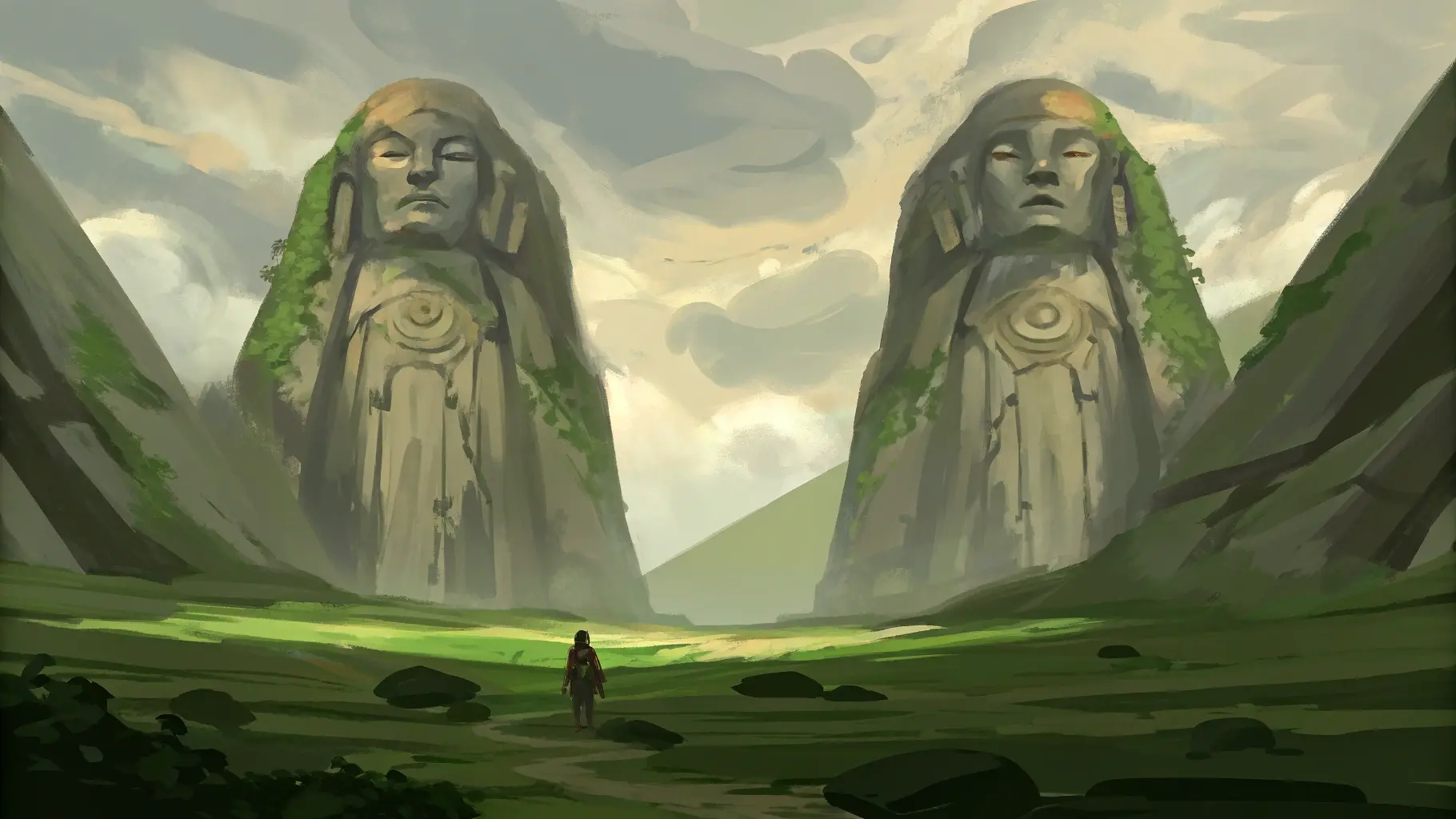
Welcome, traveler. ForgeTales is designed to be intuitive, yet deep. Not to tell you what story to tell, but to help you not get lost while you build it.
This quick guide will help you find your way and take your first steps without pressure. You don't need to understand everything from the start. Just beginning is enough.
The Dashboard
This is your command center. From here you can see all your active projects in two types of view: blocks or bookshelf. You can switch between one or the other from the button at the top right, depending on how you prefer to organize yourself.
Think of each project as an independent book or a separate campaign setting. If you've ever had several half-finished stories or open campaigns at the same time, this space is where everything starts to fall into place.
The Modules
Inside each project you will find different modules. Each is designed to cover a specific part of the creative process, but they are all connected to each other.
- Moodboard: A visual canvas for inspiration. Here you can place images, create color palettes, and explore the general aesthetic of your story or campaign. It's especially useful when you know how your world should feel, but don't yet know how to describe it with words.
- Characters: A space to create detailed profiles of your characters, define relationships between them, and plan future plots. Ideal for avoiding forgotten characters, incoherent links, or arcs that contradict themselves over time.
- Timeline: A fully free, block-based event planner. You can create all the events you want, link them as you prefer, and add involved characters. Color each timeline or plot to identify them easily. Once the general sketch is created, you can go deeper and plan the chronology with detail, order events, and create your own calendar. It's especially useful for not getting lost in complex plots and for seeing your story as a coherent whole.
- World: A wiki-style database for all your lore. Define cities, objects, magic systems, history, economy, and any other element of your world. It works as the living memory of your setting, even when you take a break.
Tips for Success
1. Don't over-prepare: It's easy to get lost building the world and forget to advance the story. Use ForgeTales to record what you create and organize it, not just as an excuse to procrastinate.
2. Link everything: In the World module, you can link articles to characters, places, or other concepts. Take advantage of this function to build a living and coherent lore network.
3. Use the Moodboard: Sometimes a single image is worth more than a thousand words. Drag visual references to your board to set the tone and atmosphere of your story.
ForgeTales is not here to tell you how to write, but to accompany you as you discover your own creative process.
You don't need to configure everything or understand everything from day one. Create a project, try a module, and let the world begin to take shape.